
Moving to new software without stopping everything
The biggest fear about a new system is that live events get disrupted. An order of operations that prevents it.
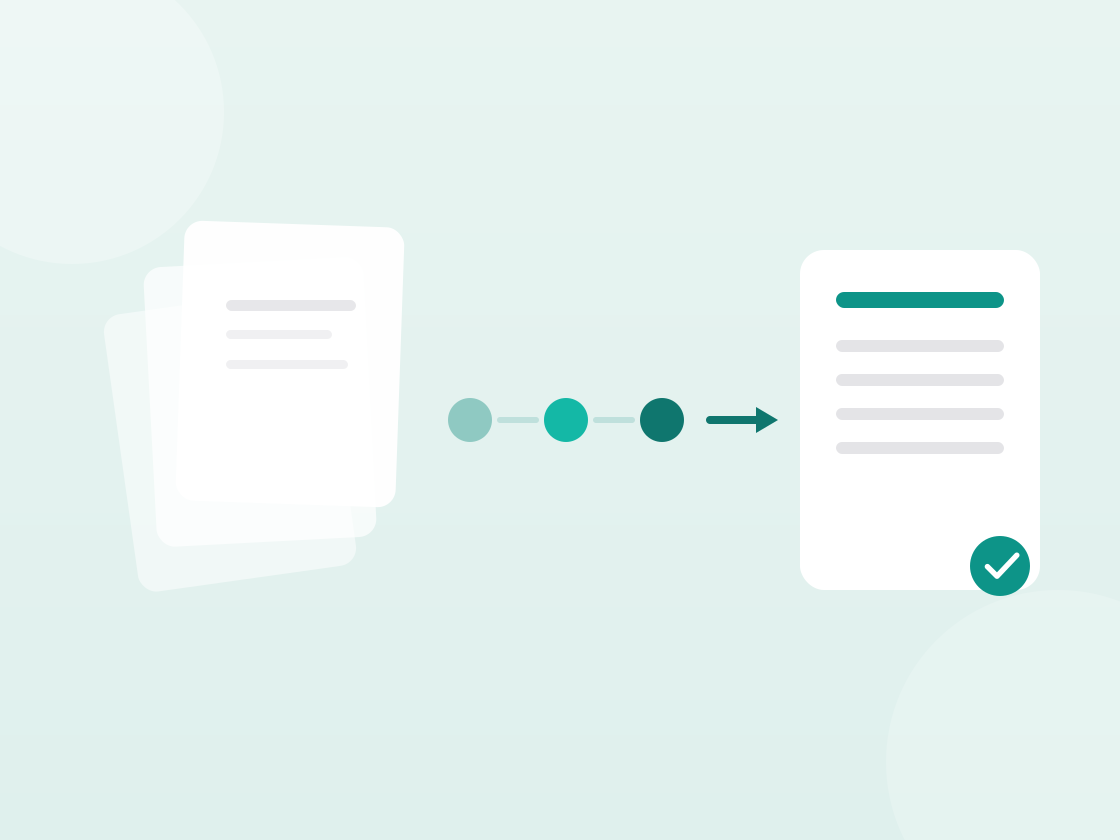
Most venues run on a combination of a calendar, a folder of Word quotes, a spreadsheet for numbers and a mailbox holding everything else. That works — until it doesn't.
The move to a single system gets postponed for years, and the reason is nearly always the same: fear that something will go wrong mid-transition with events already booked.
That fear is justified. It's also solvable, with an order of operations.
Don't start by migrating
The most common mistake is starting by moving everything across. That's months of work on data from events largely already past, and it delivers nothing until it's finished.
Start at the front instead: every new enquiry goes into the new system from day one. Live events stay where they are until they've happened.
That means a few months of two systems side by side, which feels messy. But the alternative — waiting until everything is migrated — means never starting.
A workable order
Week 1–2: your offering. Rooms, packages, products, prices, VAT rates. This is the foundation quotes get built from, and it's one-off work that pays back immediately.
Week 2–3: one event type, end to end. Take the type you run most and go all the way through: enquiry, quote, confirmation, run sheet, invoice. Once, properly, with a colleague alongside.
Week 3–6: all new enquiries. From now on nothing goes into the old system. This is when it really begins, and when most of the questions come.
Month 2–3: move confirmed events. Only what's still to happen. Anything past stays in the old system as an archive.
Month 3: the templates. Now that you know how you work, record what repeats.
What not to migrate
Historical data from events already past. The temptation is strong — it feels incomplete — but the practical value is small. Your old system stays readable, and the few times you need something from 2023, you look it up there.
Leave the old system readable
The temptation to shut the old way down immediately is strong — it forces everyone across. In practice it backfires: at the first question the new system doesn't answer, somebody is stuck with a client on the phone.
So keep the old system readable for another three months, but not writable. Nobody can add anything new; everyone can look something up.
After three months, check how often it was actually consulted. At most venues the answer is "hardly ever", and you can close it down. If the answer is "weekly", something is missing from the new setup — and that's useful information rather than a problem.
Expect a dip
In weeks three to five it runs slower than before. That's normal and it isn't evidence the choice was wrong: everyone is doing things for the first time, and the first time always takes longer.
The dip is short if you expect it and long if you read it as proof it isn't working. So agree up front to evaluate after three months, not three weeks — then you're judging the system on how it works rather than on how it felt to learn.
Read on
More articles
 In practice
Why one in five registrations never turns up
At free events only 70 to 80 percent of registrations typically show. What causes no-shows, and what genuinely reduces them.
 In practice
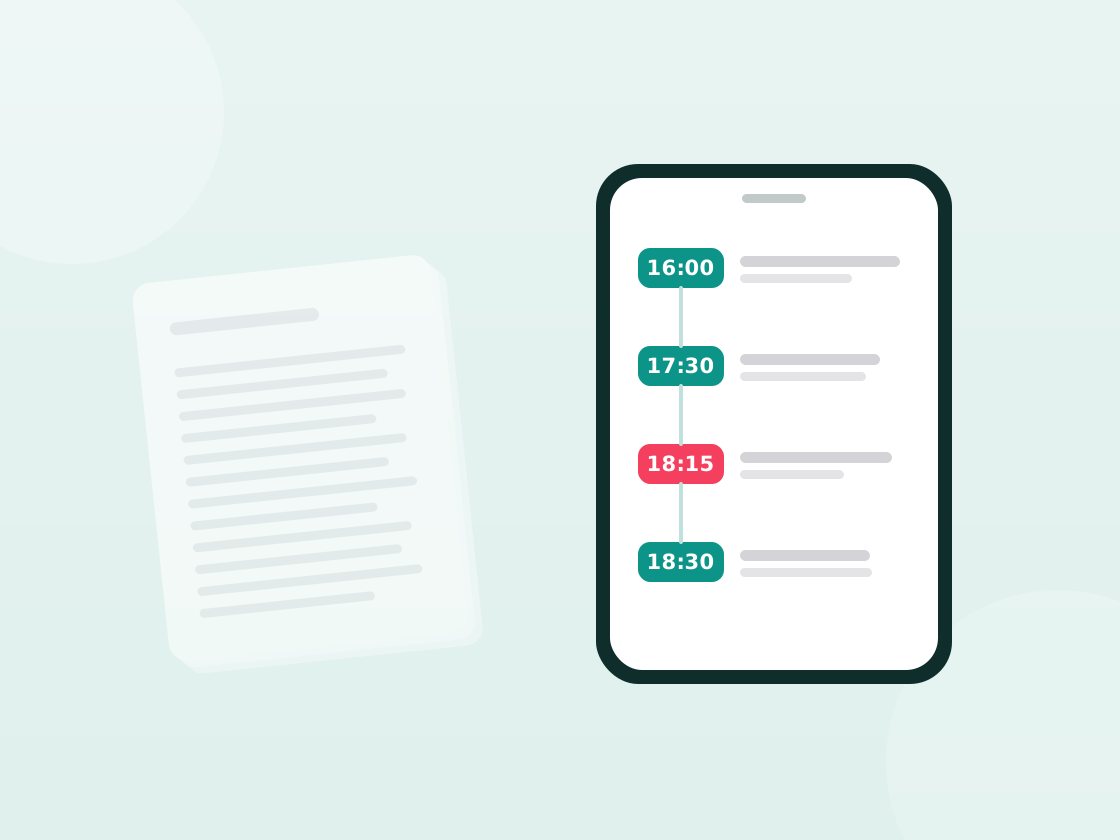
The run sheet your colleagues will actually read
Most run sheets are too long to use during an event. Here's how to write one that survives contact with the floor.
 In practice
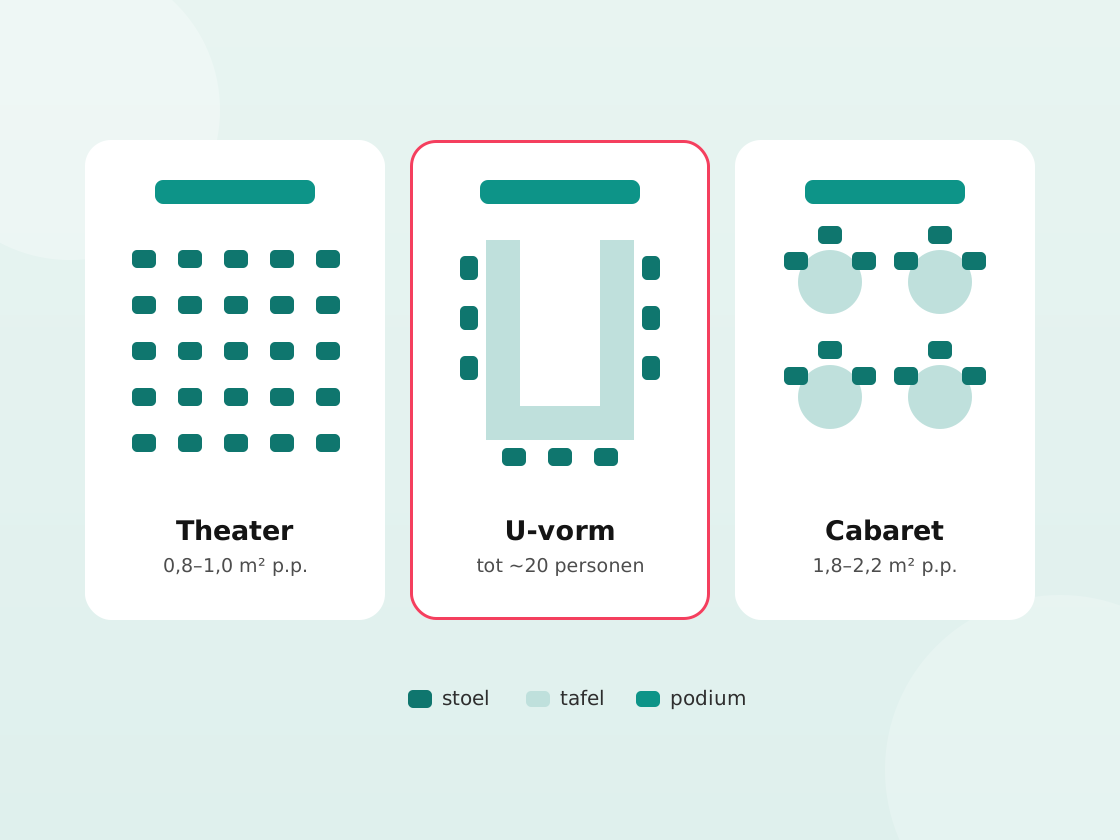
The room layout decides whether people join in
Theatre, cabaret, U-shape or boardroom — the layout governs how much talking happens. A practical overview with space per person.
From request to invoice in one platform
Try MiceBird free for fourteen days. Your offering in it, your branding around it — no implementation project.