
Catch every request automatically
Collect requests through a widget on your own website and through forwarded emails — all in one clear inbox, from arrival to quote.
Requests
Through your website widget and forwarded emails
Sophie Bakker
sophie.bakker@gmail.com
Tom Hendriks
tom@hendriksevents.nl
Eva Smit
eva@smit.nl
Linda de Vries
linda@devries.nl
Handling a request
See straight away whether the room is still free
Open a request and you get a timeline of all your rooms for that day, with the events already in them. Slot the request in, shift it a day if it does not fit — without ever overwriting another booking.
Request
2 Scheduling
One package per day- Timeline per room
- See which rooms are free on any day and what is already booked.
- Shift the day
- Everything taken? Page to the day before or after and move the date.
- Everything on one screen
- Package, products and guest count without clicking through.
- One click to a quote
- Schedule works? Turn the request straight into a quote.
Three ways in
How requests reach you
No more missed leads — whichever direction the request comes from.
Website widget
A request button or form on your own site, in your own styling.
Forward an email
Forward a request email and it becomes a lead automatically.
By hand
A request over the phone or in person? Add it yourself in seconds.
A request form on your own site
Put the widget on your website and let visitors request a quote in a few steps — with package, number of people and date.
- Inline or as a floating button
- Entirely in your own colours and styling
- Show your packages, products and spaces
Request a quote
Step 2 / 3Choose a package

Luxury lunch
A relaxed lunch at the lakeside country house. A unique setting with a view.

Company dinner
A three-course dinner with wine pairing in the atmospheric Garden Room.
Requests from your inbox, added automatically
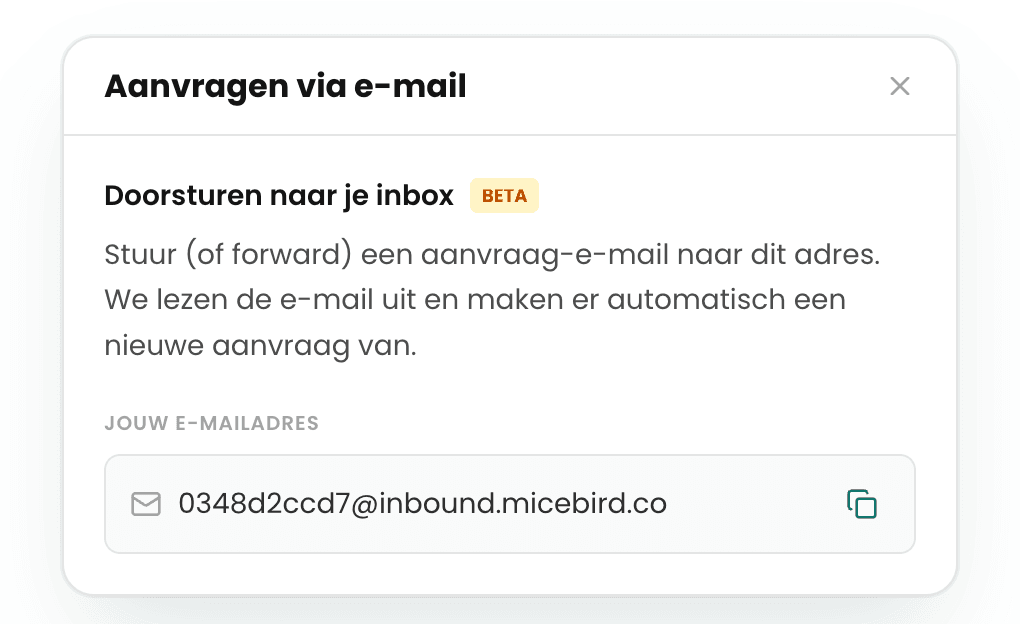
Forward a request email to your personal MiceBird address. We read the email and turn it into a new request automatically — nothing left to retype.
- Your own inbound email address per account
- Contact details filled in automatically
- Works alongside your website widget
From lead to booking
One inbox, from arrival to quote
- 1
In
Every request lands in one clear inbox.
- 2
In progress
Qualify the request and schedule the follow-up.
- 3
To a quote
Turn the request into a quote in one click.
Never miss a request again
Collect all your leads in one place and turn them into a quote in one click. Start today.