
Show your client exactly how it will look on the day
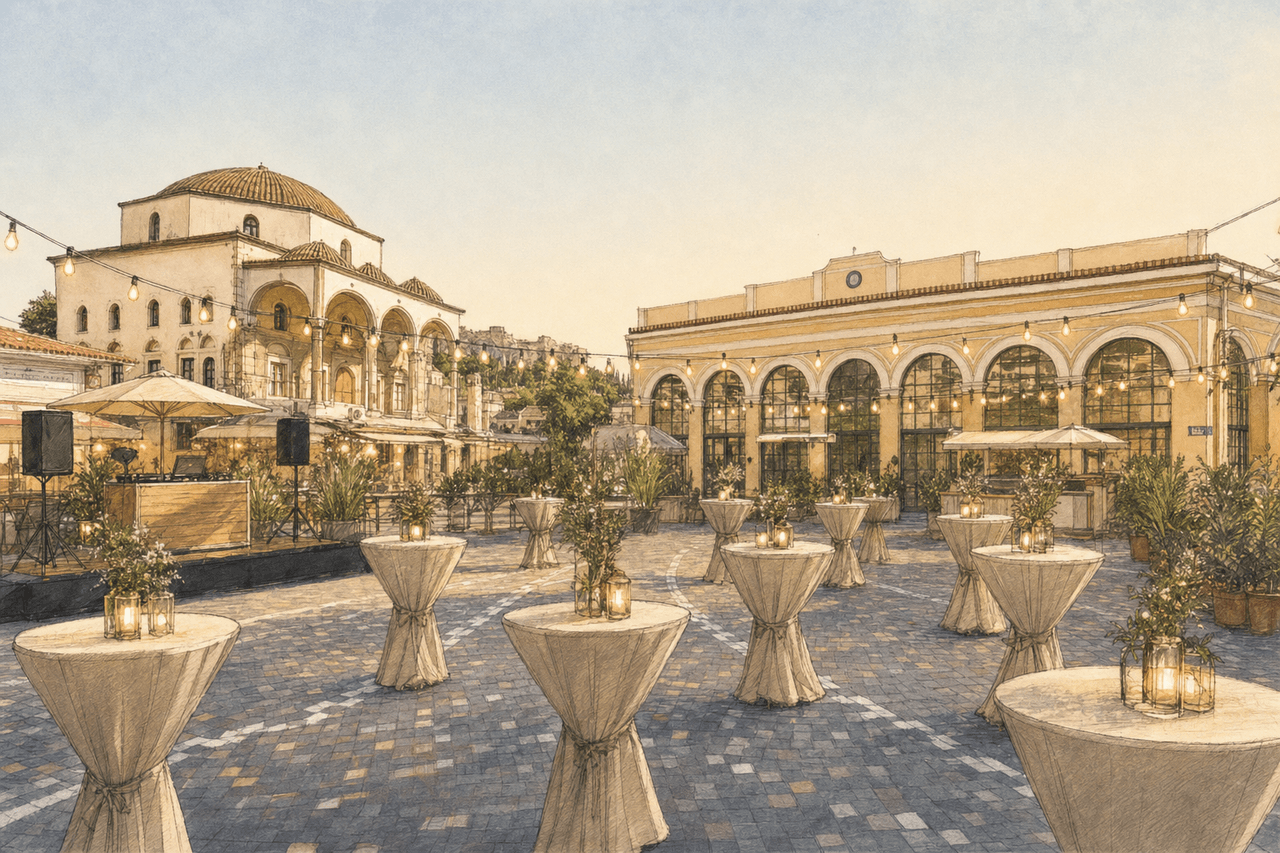
Upload a photo or floor plan of the room, drag your own products into place and turn it into a visual. Photorealistic or as a sketch — and ready to drop straight into your quote.

Visuals
From an empty room to an image that sells
A visual of the layout you are proposing, with your own products in it.
Start with your own room
Upload a photo of the space or the floor plan as your background.
Drag your products in
Place your own products — tables, cocktail tables, furniture, decor — exactly where they go.
AI turns it into a visual
From a rough layout to an image you are happy to send.
Photo or sketch
Pick a photorealistic render or a looser sketch style.
You decide how much freedom
Have the AI follow your layout exactly, or give it room to rearrange.
Straight into your quote
Drop the visual in as a block so your client sees what they are buying.
A quote your client can picture immediately
Attach a visual to your quote and place it as a block in the layout. Your client does not just read what they are getting — they see it.
- Your client sees their own room, not a stock photo
- Several visuals per event — two layouts side by side, for instance
- Everything stays in your design library for the next event
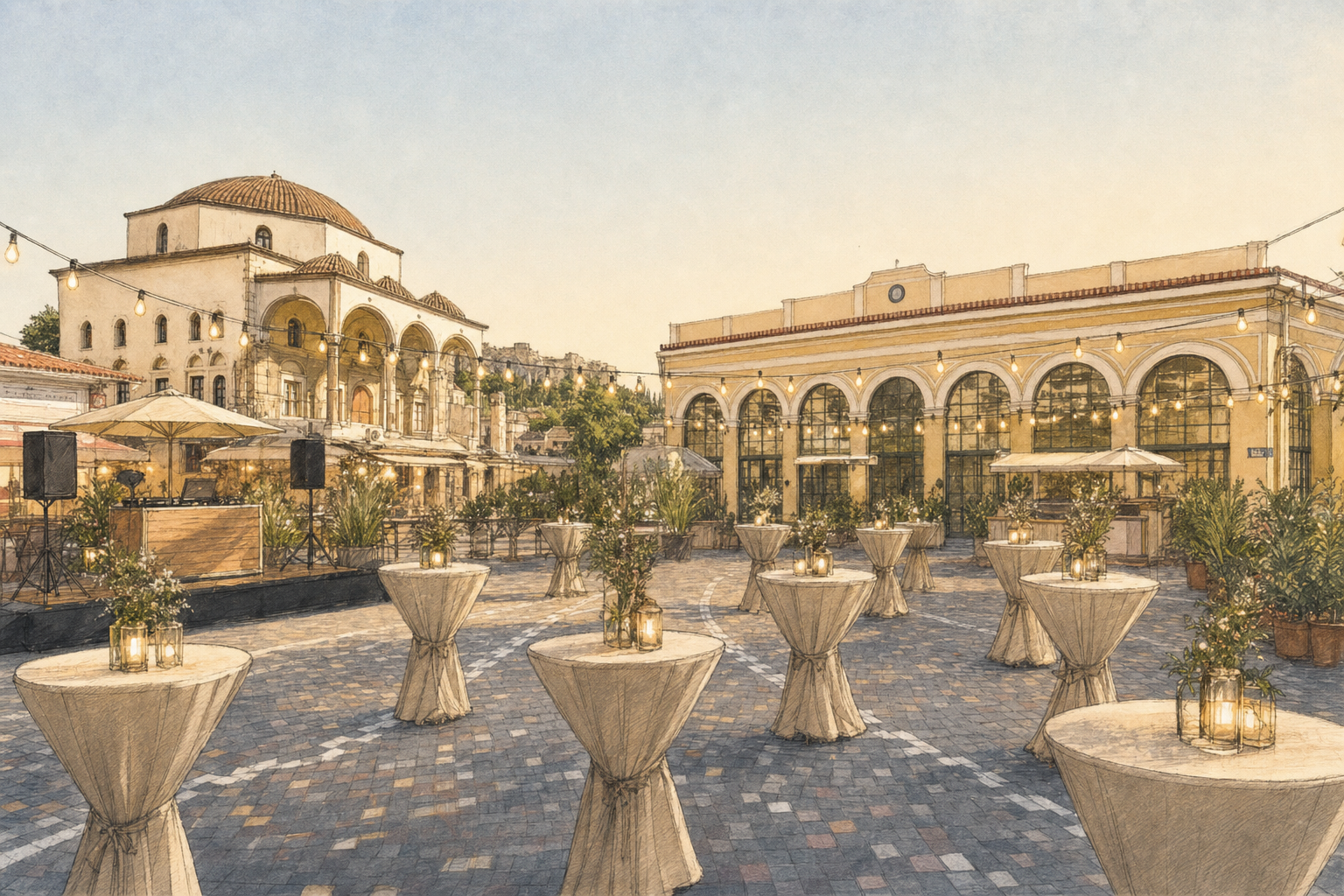
From an empty room to a visual that sells
- 1
Pick your background
A photo of the room or the floor plan for the event.
- 2
Build the layout
Drag your products into place and describe the atmosphere you want.
- 3
Generate and use it
Attach the visual to your quote, or download it on its own.
Ready to show them what you have in mind?
Create your first visual and put it in your next quote.